Manage remote servers without moving them.
Manage compatible Windows and Linux servers wherever they run. Use Central to identify the host, inspect its health and reach the tools available for an authorised administration task.
Investigate before making a change.
Suppose a business application becomes slow on a remotely hosted VM. Find the enrolled VM in its organisation and infrastructure group, confirm the hostname, then inspect the period reported by the user.
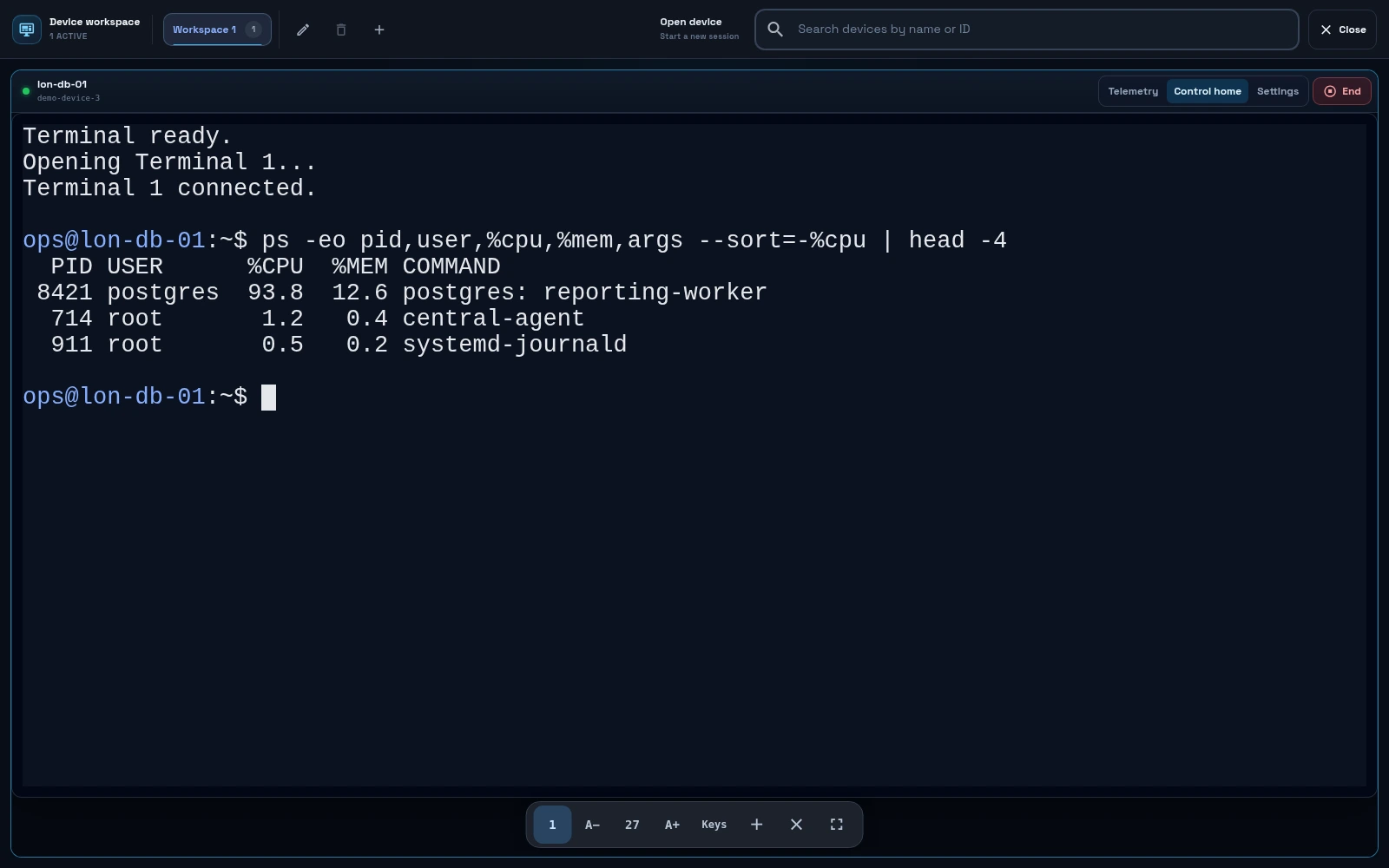
- Check the host: confirm the last report, operating system and resource information.
- Check the workload: review the available metrics and applicable service checks. An online host does not guarantee a healthy application.
- Administer: use an available terminal, desktop, file or private service-access tool for the approved task.
- Verify: confirm the result with the relevant service check or application owner, then close the session.
Match the tool to the server.
Windows GUI agents support Windows 10+ and Windows Server 2016+. Linux has headless and GNU builds, including ARM options. A headless server does not provide a desktop session. Native SSH requires an SSH service and credentials; available agent tools depend on the installed build and your permissions.
Supported management paths use outbound agent connections. You do not normally need to expose a public inbound management port. Use the network requirements provided in Central when preparing a restricted network.
Keep your hosting and choose your operator.
Each separately enrolled physical host or VM counts as a device. Central starts at £10/month for five devices, excluding VAT. See pricing and inclusions.
Your team or existing provider remains responsible for maintenance and response. Choose DC Core managed infrastructure if you want us to operate the agreed servers.